Building Sifty AI: From Personal
Frustration to Shipped Product
Identifying a gap in photo management, designing an AI-powered solution, and shipping it to the Play Store — from research through launch.
- •Personal pain point (8,000+ photos, zero motivation to sort) turned into a shipped product
- •End-to-end ownership: research, strategy, design, development, and launch
- •Google Gemini LLM for multimodal photo analysis with composite relevance scoring
- •On-device AI descriptions power a keyword search feature no competitor offers
- •Live on Google Play Store
8,000+ photos, a decade of accumulation, and zero motivation to sort
I had over 8,000 images on my phone accumulated over nearly a decade. Screenshots of things I'd already dealt with. Food photos I'd never look at again. Dozens of nearly identical shots from the same moment. Memes. Accidental photos. Images that made sense at the time but were digital clutter months later.
The problem wasn't that I lacked tools to delete photos. The problem was that deciding what to keep vs. what to delete is exhausting. Every photo requires a micro-decision. Multiply that by 8,000 and you understand why most people never start.
I searched online for a solution. Every app I found — gallery cleaners, duplicate finders, storage managers — optimized the act of deletion. A better delete button. A faster swipe interface. Bulk select. But none of them touched the real bottleneck: the cognitive load of the decision itself.
The bottleneck was never the delete button — it was the 8,000 decisions required to reach it.
What exists and why it falls short
I downloaded and tested over 10 photo management apps before building Sifty. Here's what I found.
Google Photos
Smart storage, compression, “Memories” that resurface old photos
Doesn't help you decide what to keep. Resurfaces memories but doesn't declutter.
Gallery Cleaner Apps
Files by Google, Cleaner for iPhone — cache/junk file removal, simple delete UI
Still requires you to make every individual decision. The cognitive load is unchanged.
Duplicate Finders
Detect and remove exact or near-duplicate photos
Solves one narrow problem. Most clutter isn't duplicates — it's photos that outlived their purpose.
AI Photo Organizers
Categorize and tag photos by content, faces, locations
Categorize and tag but stop at organization. They don't reduce the collection, and their search remains basic — limited to predefined categories rather than natural language descriptions.
Every existing solution shifts the UI around deletion. None of them reduce the cognitive load of the decision itself. That's the whitespace Sifty targets.
Honest research, not fabricated data
I didn't commission a survey or fabricate statistics. Here's what my research actually looked like:
Used my own gallery of 8,000+ photos as the primary test case. You can't hide from your own frustrations when you're the user.
Informal but revealing conversations. Everyone described the same problem. Nobody had ever tried to solve it systematically.
Downloaded and tested 10+ gallery management apps. Documented what each did well and where every one fell short.
Reviewed competitor app listings and user reviews. Users consistently appreciated the ease and speed of deletion these tools offered. But notably absent was the deeper frustration — nobody talked about how tedious it is to go through thousands of images. As if people didn't know this was a problem that could be solved.
Eliminate the cognitive load of photo curation
The goal isn't maximum deletion — it's informed decisions. The AI should carry the weight of the decision, with the user confirming or overriding.
Not “photos deleted.” If users find value, they run more photos through the app. A single metric that captures both adoption and engagement.
Decide for them, not just show them
The AI should carry the weight of the decision. Users confirm or override, not start from scratch.
Trust is built, not assumed
The learning-then-cleaning system, transparent reasoning, and safe trash bin all exist to earn user trust gradually.
Personal, not generic
Every user's definition of 'worth keeping' is different. The AI must learn individual preferences, not apply generic rules.
Privacy by architecture
Analysis stored on-device. No cloud uploads. Privacy isn't a feature toggle — it's how the system is built.
Images analyzed is both the adoption metric and the engagement metric. New users analyze their first batch. Satisfied users come back to run more. The number only grows when the product delivers real value — accurate recommendations, useful descriptions, and reclaimed storage that users can see.
A system that earns trust before it acts
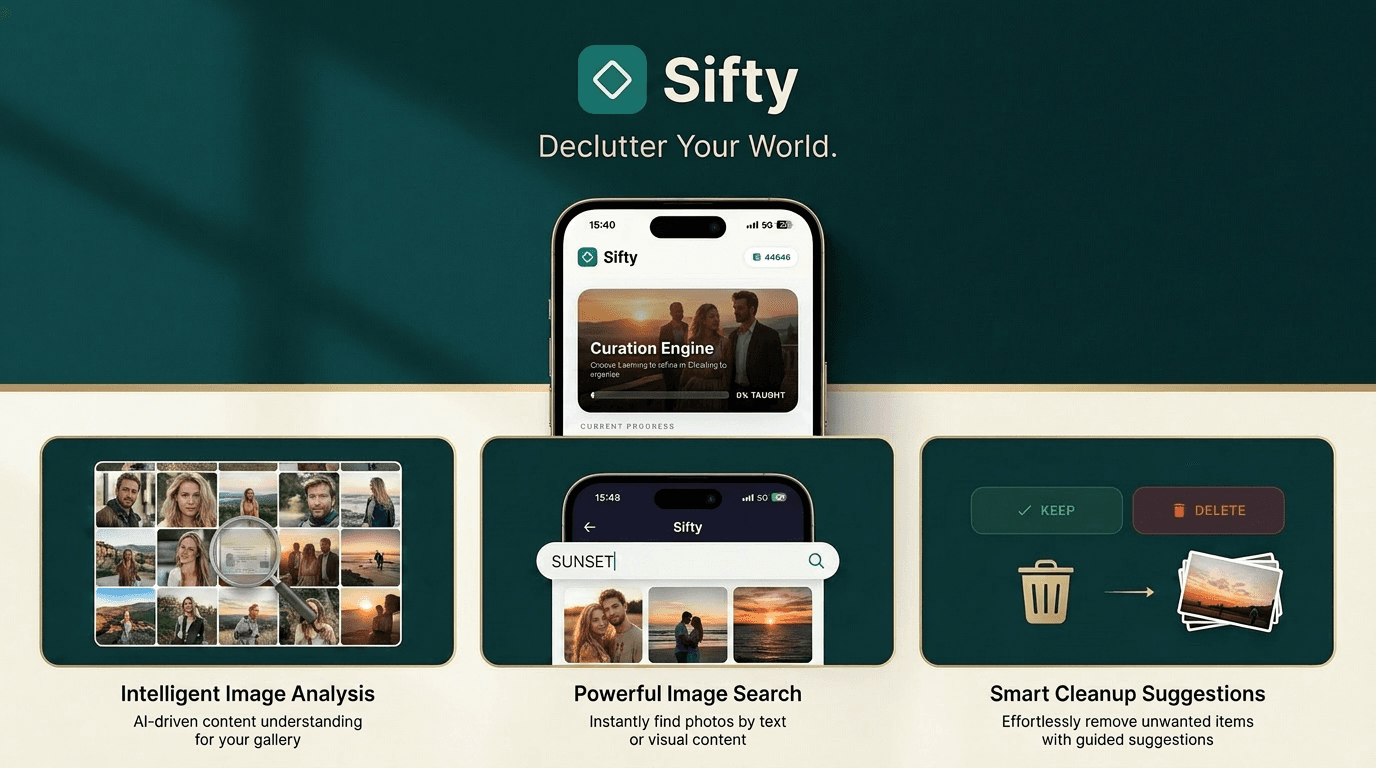
Rather than analyzing everything at once, Sifty uses a progressive approach: first learn the user, then clean confidently.
Learning — Calibrating to You
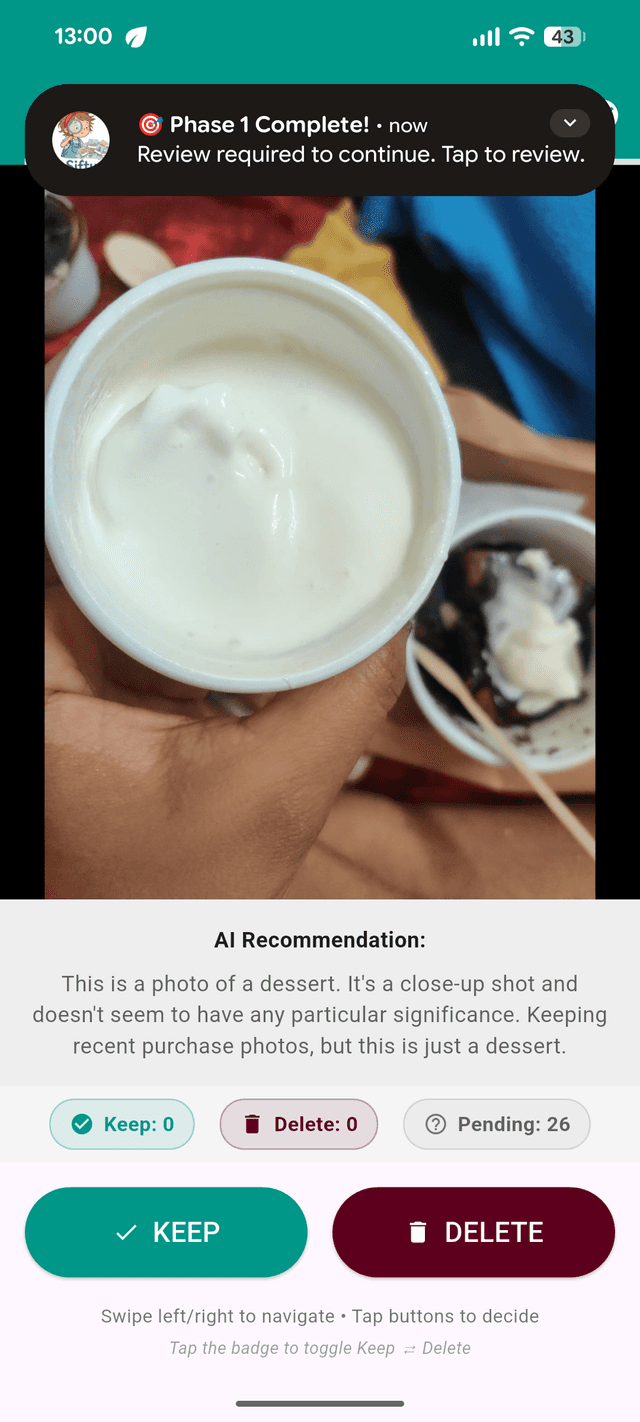
The AI selects a random subset of photos from the gallery and processes them through Gemini. Each photo is analyzed and presented with a description and recommendation. As the user reviews each result — keep or delete — the system calibrates scoring weights specific to that user's preferences. This phase builds a personalized model of what matters to this person.
- 1.Random subset selected from gallery
- 2.AI presents recommendations with reasoning
- 3.User reviews and decides on each photo
- 4.Scoring weights calibrate to user preferences
Cleaning — Full Gallery Analysis
Using the calibrated weights from learning, the AI runs through the entire gallery. Each photo is analyzed, scored, and given a recommendation. During this process, rich text descriptions are generated for every image — these descriptions power the keyword search feature.
- 1.Custom weights applied across entire gallery
- 2.Rich text descriptions generated for every photo
- 3.Personalized keep/delete recommendations at scale
- 4.Descriptions stored locally for keyword search
Each photo receives a composite relevance score — not a binary keep/delete flag, but a weighted continuum personalized to the user. The scoring model starts with baseline weights and recalibrates during learning based on the user's actual decisions:
The decisions that shaped the product
Every product is a series of trade-offs. Here are the seven decisions that had the most impact on what Sifty became.
Why two phases instead of one?
A single-pass analyzer would be simpler to build and faster for users. Why add the complexity of a learning phase?
Learn first, then clean
A single pass applies generic rules to everyone. But a food photo is trash for one person and a cherished memory for another. The learning phase calibrates weights to individual preferences before the AI touches the full gallery. This is fundamentally different from existing tools that apply one-size-fits-all rules — Sifty earns the right to decide by learning what you care about first.
Progressive disclosure applied to an AI system. User effort invested early compounds into trust and accuracy later.
Choosing the right LLM
GPT-4V (strong vision, high cost), Claude (excellent reasoning), Gemini (strong multimodal, generous free tier)
Google Gemini
For a consumer app processing thousands of photos per user, API cost is existential. Gemini offered the best balance of multimodal quality and cost per image. The free tier made prototyping viable. At 2-3x the cost per image, other models would have made the free tier unsustainable.
Unit economics as much as a technical decision. The relationship between AI capability and business model viability is a PM responsibility.
Why on-device, not cloud?
Cloud storage is easier to sync and scale. On-device means no cross-device access. Why accept that trade-off?
On-device SQLite
Photos are deeply personal. Storing analysis on-device eliminated privacy concerns entirely — no data leaves the phone. It also meant zero server costs and enabled offline keyword search. For a gallery app that's inherently device-specific, the sync trade-off was acceptable.
Privacy as architecture, not a checkbox. The system is designed so that compromising user data isn't possible, not just unlikely.
Scoring on a spectrum, not a binary
Binary keep/delete would be simpler to present and faster to act on.
Composite relevance score
Binary classification forces false certainty. A flight confirmation screenshot isn't 'keep forever' or 'delete now' — it's relevant today, irrelevant in three months. The composite score acknowledges that importance exists on a spectrum, and the calibrated weights ensure the spectrum is personal.
Resisting the temptation to oversimplify. The scoring system creates room for future features (time-decay, archiving) without re-architecting.
One photo at a time
Showing a grid of 20 photos is more 'efficient' — more photos visible, batch operations possible.
Swipe interface
Testing showed that seeing many photos at once increased decision fatigue — the opposite of what Sifty exists to solve. The swipe interface forces single-photo focus, matching how the AI presents its recommendation. One photo, one decision, one swipe. Cognitive load per decision drops to nearly zero.
The interaction model must align with the core value proposition, even when it looks less efficient on paper.
Deliberate friction before deletion
Direct delete gives immediate space recovery and a simpler flow.
Safe trash bin
Deleting photos is irreversible and emotionally charged. The trash bin adds one step of friction but eliminates the fear of making a mistake. Essential during cleaning where the AI acts autonomously — users need to know they can review and reverse before anything is permanent.
Sometimes making something slightly harder makes the overall experience dramatically better. Trust is the product's most important currency.
Free at launch, monetize later
Freemium with limits, subscription, ad-supported, or completely free.
Completely free at launch
Launching a consumer app in a crowded category with a paywall is a distribution problem. The priority was real usage data and word-of-mouth. Monetization is planned but gating the core experience before proving product-market fit would be premature.
Sequencing decisions correctly. Monetization is a strategy question, not a launch requirement.
AI-powered keyword search: find any photo by describing it
During analysis, Gemini generates a rich text description for every photo. These descriptions are stored locally on the device. This infrastructure byproduct became a standalone feature: semantic search across your entire gallery.
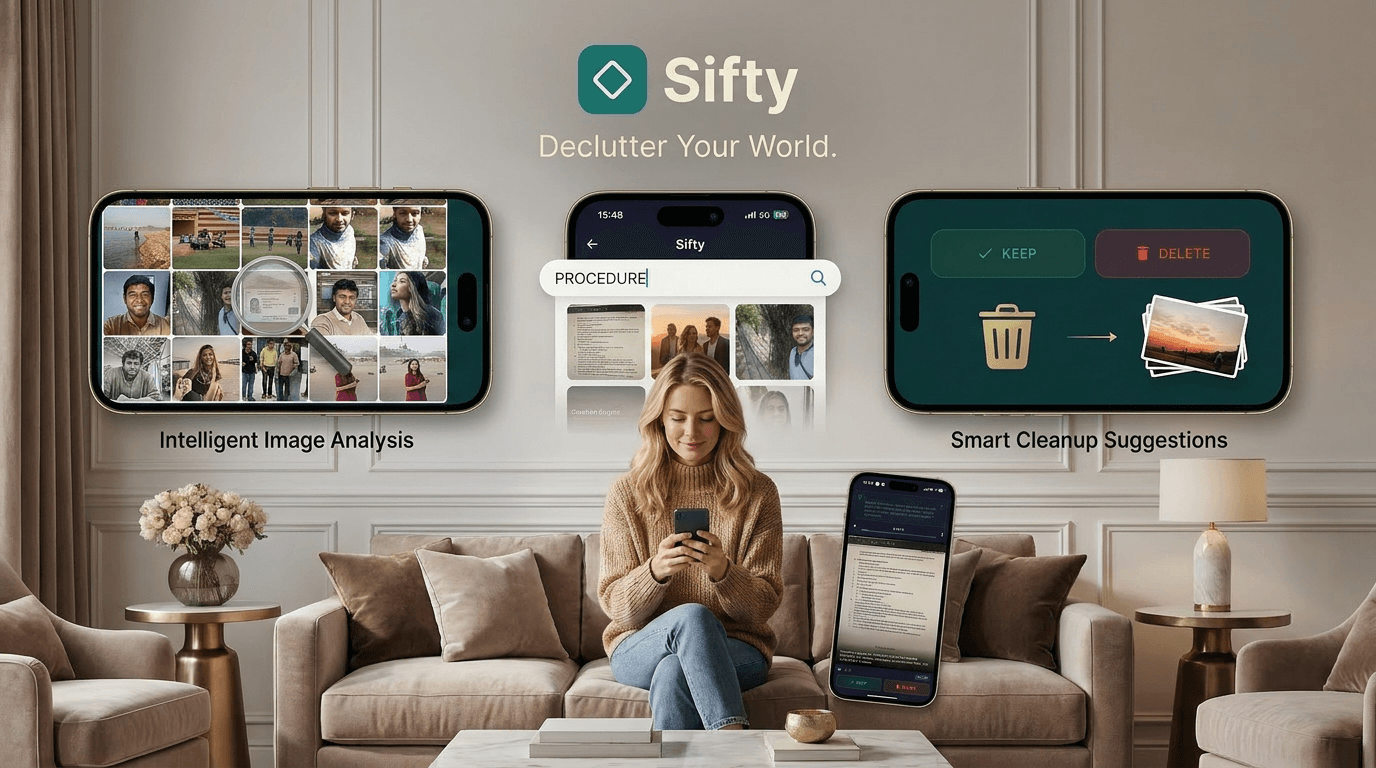
The descriptions needed for relevance scoring turned out to be a standalone product feature. Good PMs recognize when infrastructure creates unexpected product value.
Google Photos search requires cloud processing and only works with cloud-stored photos. Sifty's search works entirely on-device, across your full native gallery, with descriptions enriched by context the AI learned about you. No internet required. No data leaves your phone.
High-level technical architecture
A privacy-first architecture where all user data stays on the device.
From code to Play Store
The go-to-market was intentionally lean — prove the product works before investing in paid acquisition.
Product development
From initial prototype to production-ready app with learning and cleaning system, composite scoring, and keyword search.
siftyai.com
Launched the product site to support the app — clear storytelling, honest positioning, and direct download links.
Play Store submission and ASO
Published on Google Play Store. Optimized listing with screenshots, feature descriptions, and targeted keywords.
Organic growth
Word-of-mouth, portfolio showcase, and organic discovery. No paid acquisition at this stage — the priority is proving product-market fit.
Real metrics, not vanity numbers
I'm committed to sharing honest metrics. These are early-stage numbers that will be updated as usage grows.
In my own gallery of 8,000+ photos, Sifty helped me identify and remove thousands of images I'd been carrying for years — screenshots, accidental photos, memes, and duplicates. Beyond decluttering, the keyword search feature became something I use weekly to find specific photos without scrolling.
What I learned and what's next
The most difficult decisions were product decisions: what to build, what to cut, how to sequence, and when to ship. Getting the technology to work was straightforward compared to getting the product right.
You can't hide from your own frustrations when you're the user. Every annoyance was a feature request. Every delight was validation.
It would have been easier to ship a single-pass analyzer. The learning-first approach took longer to build but the quality difference is what makes Sifty work.
Keyword search emerged from the analysis infrastructure. The descriptions needed for scoring became a product feature nobody planned for.
Try Sifty AI yourself
See the product behind this case study. Download Sifty AI free and let the AI learn what matters to you.